Latest Version 2.4.0
Your Gateway to
Web3 Freedom
Experience the most secure, non-custodial wallet across all devices. Privacy-first, open-source, and audited.


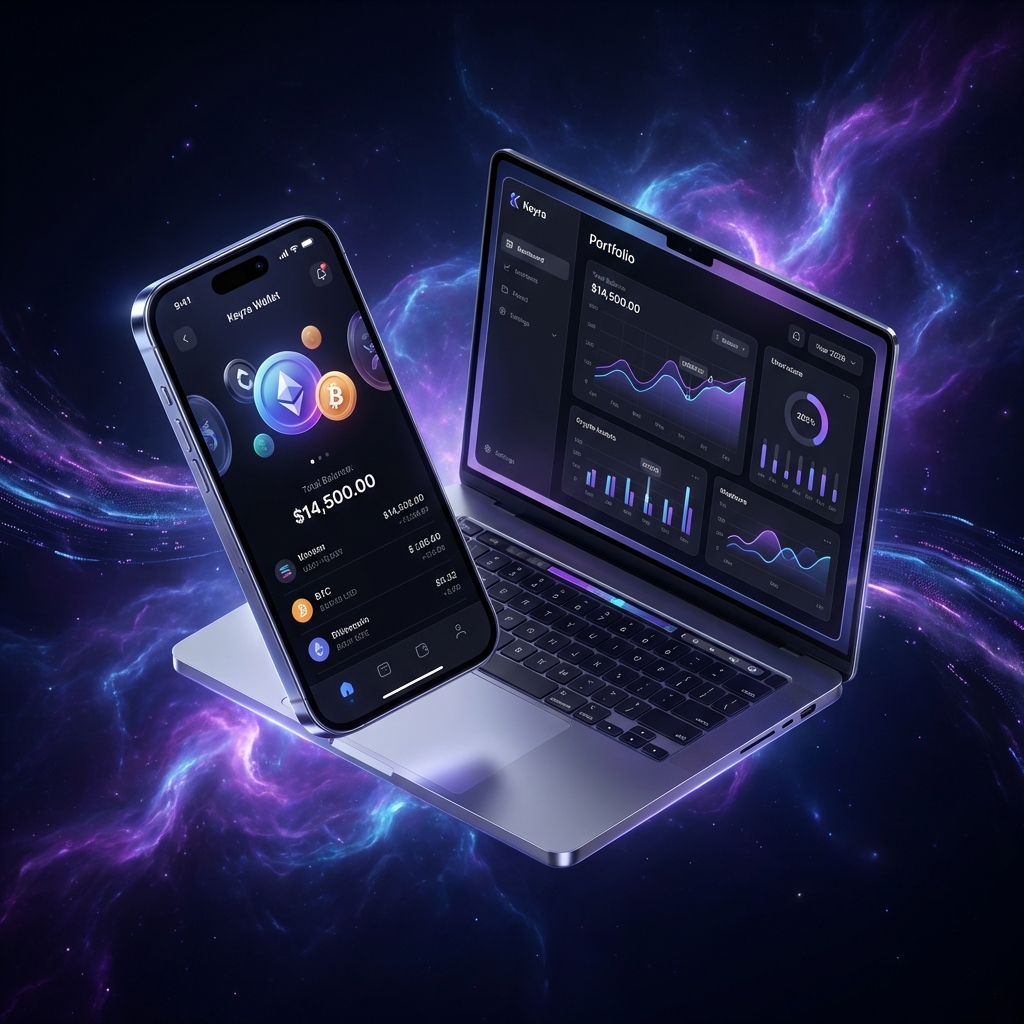
Available Everywhere
Download Keyra for your preferred platform.
App Store
iPhone & iPad


Google Play
Android devices

Scan to Install
Scan to Download
Use your phone camera to scan the QR code
Point your camera to download immediately on mobile.


Audited Security
Verified by top security firms.
100% Open Source
Transparent and community driven.
Non-Custodial
Your keys, your crypto. Always.
Need help installing?
iOS Installation Guide
Steps
- 1 Open the App Store on your iPhone or iPad
- 2 Search for "Keyra Wallet" or tap the download link
- 3 Tap "Get" to download the app
- 4 Authenticate with Face ID, Touch ID, or your Apple ID password
- 5 Open Keyra once installation completes
- 6 Create a new wallet or import an existing one
Requirements
- iOS 14.0 or later
- iPhone 8 or newer recommended
- ~100 MB storage space
Android Installation Guide
Steps
- 1 Open Google Play Store on your Android device
- 2 Search for "Keyra Wallet" or tap the download link
- 3 Tap "Install" to download the app
- 4 Wait for download to complete
- 5 Open Keyra from your app drawer
- 6 Create a new wallet or import an existing one
Requirements
- Android 8.0 (Oreo) or later
- 4GB RAM recommended
- ~80 MB storage space
macOS Installation Guide
Steps
- 1 Download the .dmg file from the download button
- 2 Open the downloaded file (Keyra-x.x.x.dmg)
- 3 Drag Keyra to Applications folder
- 4 Open Keyra from Applications or Launchpad
- 5 If prompted, right-click and select "Open" to bypass Gatekeeper
- 6 Create a new wallet or import an existing one
Requirements
- macOS 11.0 (Big Sur) or later
- Apple Silicon (M1/M2) or Intel Mac
- ~150 MB storage space
Troubleshooting
If you see "App can't be opened", go to System Preferences > Security & Privacy > General and click "Open Anyway"
Windows Installation Guide
Steps
- 1 Download the .exe installer from the download button
- 2 Run the installer (Keyra-Setup-x.x.x.exe)
- 3 Follow the installation wizard
- 4 Choose installation location (default recommended)
- 5 Launch Keyra from Start Menu or Desktop shortcut
- 6 Create a new wallet or import an existing one
Requirements
- Windows 10 (version 1903) or later
- 4GB RAM minimum
- ~120 MB storage space
Troubleshooting
If Windows SmartScreen blocks the app, click "More info" then "Run anyway"