Keyra Desktop: Manage Your Crypto on the Big Screen
Key Takeaways
- Keyra Desktop is now available for macOS and Windows
- Encrypted sync keeps mobile and desktop wallets perfectly aligned
- Large screen experience designed for portfolio management and trading
- Same RASP security and transaction simulation as mobile
- Hardware wallet ready — connect Ledger or Trezor for cold storage
Introduction
You love Keyra on mobile—quick transactions, beautiful design, rock-solid security. But sometimes you need a bigger canvas.
Tracking a portfolio with 50+ assets. Comparing gas costs across networks. Executing complex DeFi strategies. Managing multiple accounts.
These workflows deserve desktop-sized real estate.
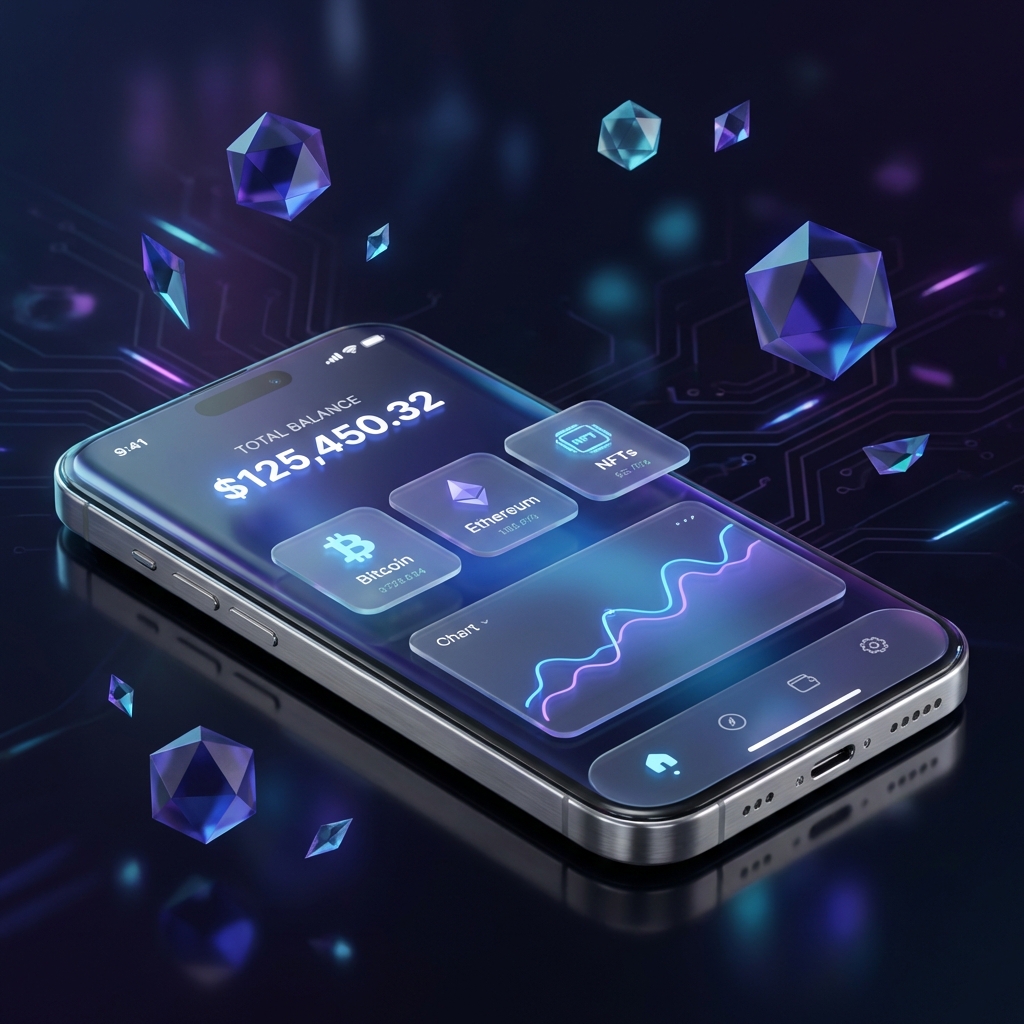
Today, we’re launching Keyra Desktop—the same premium experience, now on macOS and Windows.
Why Desktop Matters
Use Cases That Shine on Desktop
| Activity | Mobile | Desktop |
|---|---|---|
| Quick payment | ⭐⭐⭐ | ⭐⭐ |
| Portfolio overview | ⭐⭐ | ⭐⭐⭐ |
| Multi-tab DeFi | ⭐ | ⭐⭐⭐ |
| Transaction analysis | ⭐⭐ | ⭐⭐⭐ |
| NFT browsing | ⭐⭐ | ⭐⭐⭐ |
| Copy-paste addresses | ⭐ | ⭐⭐⭐ |
Mobile is your wallet. Desktop is your command center.
The Power User Workflow
Morning (Mobile):
├── Check notifications
├── Quick scan of balances
└── Approve pending transactions

Work Session (Desktop):
├── Deep dive into portfolio allocation
├── Research new DeFi opportunities
├── Execute multi-step strategies
├── Review transaction history
└── Manage account settings

Evening (Mobile):
├── Collect yield
├── Quick swap
└── Social payments
Features
1. Encrypted Sync
Your mobile and desktop stay perfectly in sync:
- Real-time updates — Transaction on mobile appears on desktop instantly
- End-to-end encryption — Sync data is encrypted with your keys
- Selective sync — Choose what syncs between devices
- Conflict resolution — Smart handling of simultaneous edits
┌─────────────────────────────────────────┐
│           Keyra Cloud                    │
│   (Encrypted, zero-knowledge)            │
└─────────────────────────────────────────┘
         │                │
    Encrypted          Encrypted
      Sync               Sync
         │                │
         ▼                ▼
   ┌──────────┐    ┌──────────┐
   │  Mobile  │    │  Desktop │
   └──────────┘    └──────────┘
We never see your keys. Sync uses client-side encryption—your data is encrypted before it ever leaves your device.
2. Desktop-Optimized Interface
Every screen rebuilt for larger displays:
- Multi-column layouts — See more at once
- Keyboard shortcuts — Power user navigation
- Drag and drop — Reorder accounts, manage assets
- Resizable panels — Customize your view
- Dark mode — Easy on the eyes during long sessions
3. Enhanced Portfolio View
┌─────────────────────────────────────────────────────────────┐
│  PORTFOLIO                                     $127,482.31  │
├────────────────────┬────────────────────┬───────────────────┤
│  By Network        │  By Asset          │  Performance      │
│                    │                    │                   │
│  ███████ ETH 42%   │  ███████ ETH       │  📈 +12.4% (7d)   │
│  ████ ARB 21%      │  █████ BTC         │  📈 +3.2% (24h)   │
│  ███ SOL 18%       │  ████ USDC         │                   │
│  ██ Other 19%      │  ███ SOL           │  Total P&L: +$15k │
│                    │  ██ Other          │                   │
└────────────────────┴────────────────────┴───────────────────┘- Drill down — Click any segment for details
- Time filters — 24h, 7d, 30d, 1y, all-time
- Export data — CSV/PDF for tax and records
- Custom views — Save your preferred layouts
4. dApp Browser
Connect to any dApp without leaving Keyra:
- Built-in browser — Access DeFi, NFT markets, and more
- Automatic connection — No manual wallet linking
- Transaction simulation — Review before signing
- Session management — Track active connections
- Multiple tabs — Work across protocols
5. Full Transaction History
Desktop’s screen space lets us show complete details:
| Field | Mobile | Desktop |
|---|---|---|
| Basic info | ✅ | ✅ |
| Full calldata | ❌ | ✅ |
| Internal transfers | Limited | ✅ |
| Gas breakdown | Simple | Detailed |
| Labels & notes | ✅ | ✅ |
| Export options | Limited | Full |
6. Hardware Wallet Integration
Your cold storage, compatible with Keyra Desktop:
- Ledger — Nano S, Nano X, Nano S Plus
- Trezor — Model One, Model T, Safe 3
- View only — See hardware wallet balances
- Sign with hardware — Maximum security for large transactions
Desktop + Hardware Wallet = Best of Both Worlds
├── Keyra manages UX, browsing, portfolio
└── Hardware wallet holds keys, signs transactions
Security on Desktop
We didn’t compromise security for the desktop form factor.
Same Protections, New Platform
| Security Feature | Mobile | Desktop |
|---|---|---|
| Transaction simulation | ✅ | ✅ |
| Encrypted storage | ✅ | ✅ |
| Biometric/password lock | Face ID/Touch ID | Touch ID/Password |
| RASP protection | ✅ | OS-level protections |
| Secure enclave | ✅ | Keychain/TPM |
| Code signing | ✅ | ✅ |
Desktop-Specific Security
- Auto-lock — Configurable timeout when idle
- Clipboard clearing — Sensitive data auto-clears
- Screen recording protection — Optional blur on sensitive screens
- Verified downloads — Signed by Apple/Microsoft
Getting Started
Download
- macOS: Download for Mac (Apple Silicon + Intel)
- Windows: Download for Windows (Windows 10/11)
Initial Setup
New Users:
- Download and install Keyra Desktop
- Create new wallet (generates fresh seed phrase)
- Back up seed phrase securely
- Optional: Sync with Keyra Mobile
Existing Mobile Users:
- Download and install Keyra Desktop
- Open Keyra Mobile → Settings → Devices
- Scan QR code to pair
- Encrypted sync establishes automatically
System Requirements
| Platform | Minimum | Recommended |
|---|---|---|
| macOS | 10.15 Catalina | 13+ Ventura |
| Windows | Windows 10 | Windows 11 |
| RAM | 4 GB | 8 GB |
| Storage | 200 MB | 500 MB |
Roadmap
Coming to Keyra Desktop:
- Q1 2026: Linux support
- Q2 2026: Advanced charting and analytics
- Q3 2026: Native staking interface
- Q4 2026: Multi-account management improvements
Frequently Asked Questions
Is my seed phrase stored on desktop?
Do I need to install both mobile and desktop?
Is Keyra Desktop free?
Ready to Secure Your Future?
Join thousands of users who trust Keyra for their multi-chain self-custody.
Download Keyra Now