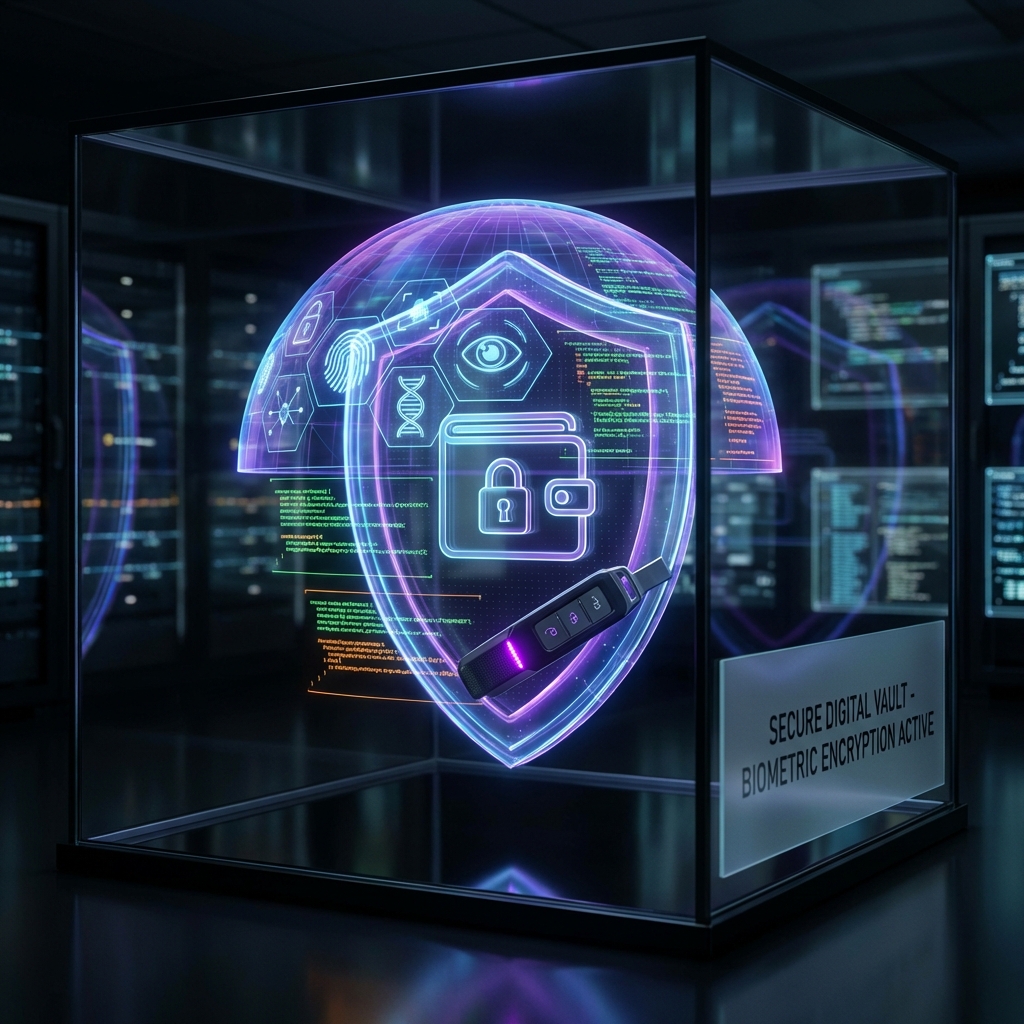
The Ultimate Guide to Crypto Wallet Security in 2026
Key Takeaways
- Self-custody means you control your private keys—no exchange or third party can freeze your funds
- Use a combination of hot wallets (for daily use) and cold wallets (for long-term storage)
- Never store your seed phrase digitally—use metal backups in multiple secure locations
- Enable biometric authentication and multi-factor authentication on all crypto accounts
- Modern wallets use RASP technology to detect and prevent device tampering
Introduction
The crypto landscape in 2026 has evolved dramatically. With over $10 trillion in digital assets globally, securing your cryptocurrency has never been more critical—or more sophisticated. The collapse of centralized exchanges in previous years taught us one crucial lesson: not your keys, not your coins.
This comprehensive guide covers everything you need to know about protecting your digital assets, from the fundamentals to cutting-edge security technologies.
Understanding Wallet Types
Before diving into security practices, let’s understand the different wallet types available:
Hot Wallets (Software Wallets)
Hot wallets are connected to the internet, making them convenient for daily transactions:
| Type | Best For | Security Level |
|---|---|---|
| Mobile Apps | Daily spending, DeFi | Medium |
| Desktop Apps | Trading, larger amounts | Medium |
| Browser Extensions | dApp interactions | Medium-Low |
Cold Wallets (Hardware & Offline)
Cold wallets store your keys offline, providing maximum security:
| Type | Best For | Security Level |
|---|---|---|
| Hardware Wallets | Long-term storage | Very High |
| Paper Wallets | Cold storage backup | High (if stored properly) |
| Air-Gapped Devices | Maximum security | Highest |
Multi-Signature Wallets
Multi-sig wallets require multiple approvals for transactions, distributing risk across several parties or devices. They’re ideal for:
- Corporate treasuries
- Joint accounts
- High-value personal holdings
Private Key & Seed Phrase Management
Your seed phrase is the master key to all your funds. Treat it accordingly.
The Golden Rules
- Never store digitally — No photos, cloud storage, or password managers
- Use metal backups — Paper degrades; metal survives fire and flood
- Geographic distribution — Store copies in multiple secure locations
- Consider a passphrase — The “25th word” adds an extra security layer
Recommended Backup Strategy
Primary: Metal plate in home safe
Secondary: Metal plate in bank safety deposit box
Tertiary: Split using Shamir's Secret Sharing (optional)
Multi-Factor Authentication Strategies
SMS-based 2FA is no longer sufficient. In 2026, best practices include:
Authentication Hierarchy (Most to Least Secure)
- Hardware security keys (YubiKey, Titan)
- Biometric authentication (Face ID, fingerprint)
- Authenticator apps (Google Authenticator, Authy)
- SMS-based 2FA (vulnerable to SIM swaps)
Where to Enable MFA
- Exchange accounts
- Email accounts linked to crypto
- Wallet recovery options
- DeFi protocol connections
Runtime Application Self-Protection (RASP)
Modern mobile wallets like Keyra implement RASP technology that actively monitors for threats:
What RASP Protects Against
- Rooting/Jailbreaking detection — Compromised OS can expose keys
- Debugging attempts — Attackers trying to inspect app memory
- Overlay attacks — Fake screens stealing your credentials
- Keylogger detection — Malicious software recording input
- Tampering detection — Modified app binaries
When critical threats are detected, RASP can automatically wipe sensitive keys to prevent theft.
AI-Powered Security: The Future
The latest security innovations include:
Transaction Simulation
Before you sign, AI simulates the transaction outcome to detect:
- Unexpected token transfers
- Approval exploits
- Malicious contract interactions
Behavioral Analysis
AI learns your transaction patterns and flags anomalies:
- Unusual transaction sizes
- New recipient addresses
- Suspicious timing patterns
Security Checklist for 2026
Use this checklist to audit your current security posture:
- Using a non-custodial wallet with private key control
- Seed phrase backed up on metal in 2+ locations
- Hardware security key for exchange accounts
- Biometric authentication enabled on mobile wallet
- Using a wallet with RASP or runtime protection
- Transaction simulation enabled before signing
- Regularly revoking unnecessary token approvals
- Using dedicated device for high-value transactions
🛡️ Security Score Audit
Select the security measures you currently use to see your safety score.
Frequently Asked Questions
What is self-custody and why does it matter?
How often should I update my wallet software?
Is biometric authentication safer than a PIN?
Ready to Secure Your Future?
Join thousands of users who trust Keyra for their multi-chain self-custody.
Download Keyra Now