5 Common Crypto Scams and How to Avoid Them
Key Takeaways
- Phishing remains the #1 threat—verify URLs and never share your seed phrase
- Rug pulls drain projects overnight—research teams and check liquidity locks
- Approval exploits grant permanent access to your tokens—revoke unused permissions
- Honeypot tokens let you buy but never sell—verify contracts before trading
- Social engineering exploits trust—be skeptical of DMs, even from “friends”
Introduction
In 2025 alone, crypto scams drained over $4 billion from victims worldwide. The scary part? Most of these scams follow predictable patterns that are entirely avoidable.
The blockchain is trustless, but humans aren’t. Scammers exploit psychology, urgency, and technical complexity to steal funds. Understanding their playbook is your best defense.
Here are the five most common crypto scams and exactly how to protect yourself.
1. Phishing Attacks
How It Works
Phishing tricks you into entering credentials or signing transactions on fake websites.
Common vectors:
- Fake emails claiming “account security issues”
- Malicious Google ads above real results
- Fake wallet apps in app stores
- Social media links to “free airdrops”
- Discord DMs with “support” links
Real Example
Subject: Urgent: Wallet Security Update Required

Dear User,

We've detected suspicious activity on your wallet.
Click here to verify your identity: wallet-verify-support.com

[VERIFY NOW]

MetaMask Security Team
Red flags:
- Urgency tactics (“urgent”, “immediately”)
- Domain doesn’t match official site
- Requests login credentials
- Generic greeting (“Dear User”)
How to Protect Yourself
✅ Bookmark official sites and always use bookmarks
✅ Check URLs character by character (metamask.io vs metarnask.io)
✅ Never click email links — navigate directly instead
✅ Use hardware wallets for signing (displays real transaction)
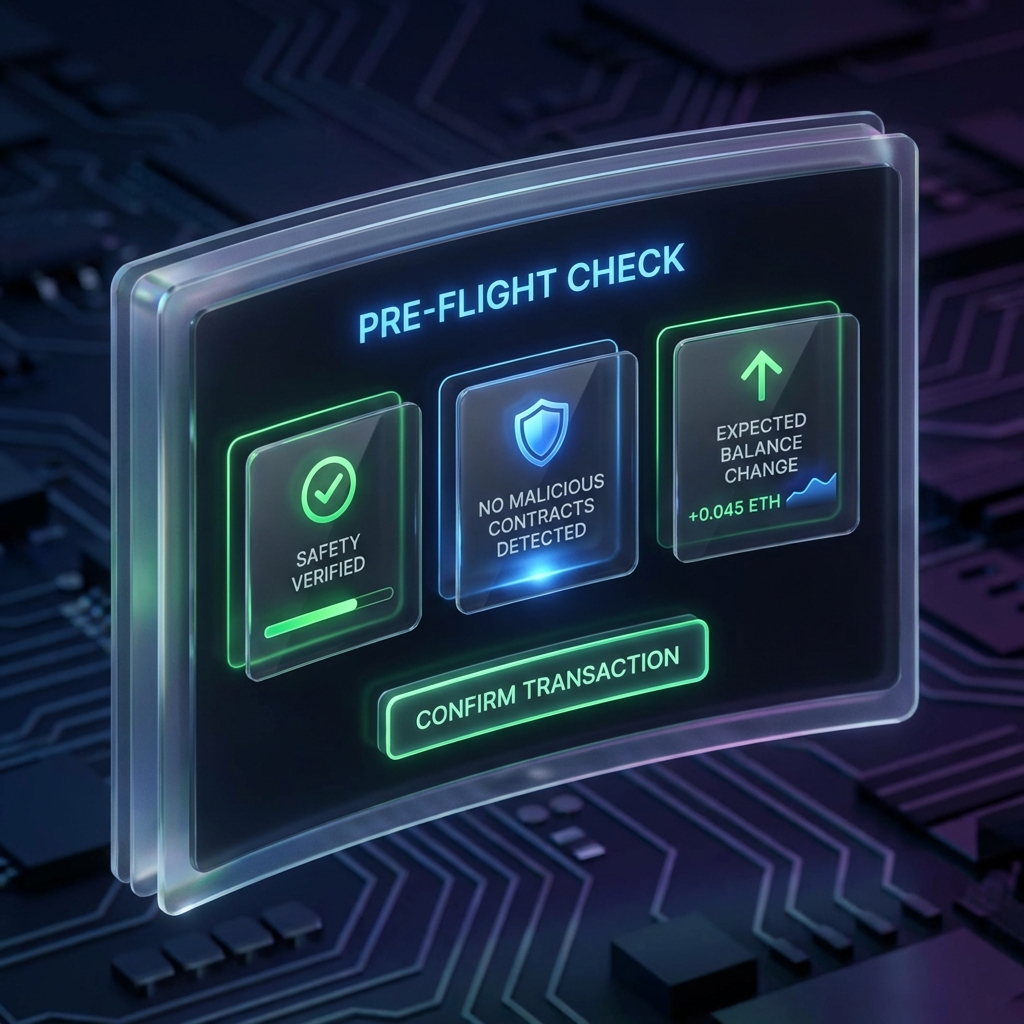
✅ Enable transaction simulation to catch malicious sites
Keyra Protection: Our transaction simulation shows exactly what a site is trying to do, even if the UI lies.
2. Rug Pulls & Exit Scams
How It Works
Developers create a legitimate-looking project, attract investment, then drain all funds and disappear.
Warning signs:
- Anonymous team with no verifiable history
- Locked liquidity that unlocks soon
- Unusual token contract permissions
- Aggressive marketing, little substance
- “Get in early before moon” messaging
Real Example
Project X: Promised revolutionary DeFi protocol.
- Raised $10M in presale
- Launched with massive hype
- Week 2: Team withdraws all liquidity
- Result: Token goes to zero, team vanishes
How to Protect Yourself
✅ Research the team — KYC’d/doxxed members are lower risk
✅ Check liquidity — Is it locked? For how long? On what platform?
✅ Audit the contract — Has a reputable firm reviewed it?
✅ Start small — Never invest more than you can lose
✅ Watch for red flags — Unrealistic promises, aggressive DMs
Tools to use:
- Token Sniffer (tokensniff.com)
- RugDoc
- DEXTools
- Etherscan contract analysis
3. Approval Exploits
How It Works
When you interact with DeFi, you “approve” contracts to spend your tokens. Many users grant unlimited approvals—and scammers exploit this.
The attack:
- You approve a DEX for “unlimited” USDC spending
- The DEX contract is later exploited or was malicious
- Attacker drains all approved tokens (not just what you traded)
Real Example
Normal transaction:
"Approve 100 USDC for swap"

What you might actually sign:
"Approve UNLIMITED USDC forever"
How to Protect Yourself
✅ Set specific approval amounts — Only approve what you need
✅ Revoke unused approvals — Use revoke.cash or Etherscan
✅ Review before signing — Check the approval amount
✅ Use transaction simulation — Keyra shows exact approval levels
Revocation checklist:
- After using a new protocol, revoke approval
- Quarterly audit of all active approvals
- Immediately revoke if a protocol is exploited
4. Honeypot Tokens
How It Works
Honeypot tokens allow buying but prevent selling through smart contract tricks.
How they catch you:
- New “gem” token appears with promising chart
- You buy, price seems to rise
- You try to sell—transaction fails
- Developer drains liquidity, you’re stuck
Real Example
Token Contract Contains:
function _transfer() {
    if (sender != owner) {
        require(false, "Selling disabled");
    }
    // Only owner can sell
}
How to Protect Yourself
✅ Verify contract on TokenSniffer before buying
✅ Check sell transactions — Can others actually sell?
✅ Start with tiny amount — Test selling before going bigger
✅ Avoid “stealth launches” — If you can’t research it, don’t buy it
✅ Simulate your sale before confirming
Red flags:
- 100% buy transactions, 0% sells
- Recently deployed contract (
<24 hours) - No verified source code
- Disabled trading functions
5. Social Engineering & Impersonation
How It Works
Scammers directly message you pretending to be:
- Customer support from wallets/exchanges
- Project team members
- Friends whose accounts were hacked
- Influencers with “investment opportunities”
Common Tactics
| Impersonation | Typical Message |
|---|---|
| Fake Support | ”We noticed an issue with your account, please verify…” |
| Hacked Friend | ”Hey! I found this amazing investment, made 10x…” |
| Fake Influencer | ”Exclusive early access to my new project…” |
| Romance Scam | Weeks of building trust, then “investment opportunity” |
Real Example
Discord DM from "Admin_Brian | Support"
(Real admin username is "Brian | Admin")

"Hi! We noticed you asked a question in general chat.
I can help! Just connect your wallet here:
support-help-desk.xyz to resolve the issue."
How to Protect Yourself
✅ Legitimate support never DMs first
✅ Verify identities through official channels
✅ Don’t click links from messages — navigate manually
✅ Be skeptical of urgency — “Act now!” is a red flag
✅ Report and block suspicious accounts
Remember: No legitimate entity will ever ask for your seed phrase.
Quick Reference: Red Flag Checklist
Use this checklist when evaluating any crypto opportunity:
| Red Flag | Risk Level |
|---|---|
| ”Guaranteed returns” | 🚨 Very High |
| Anonymous team | ⚠️ High |
| Pressure to act fast | 🚨 Very High |
| Too-good-to-be-true APY | 🚨 Very High |
| Asking for seed phrase | 🚨 SCAM - 100% |
| Unsolicited DMs | ⚠️ High |
| New/unaudited contract | ⚠️ Medium-High |
| No locked liquidity | ⚠️ High |
| Copying known project name | 🚨 Very High |
What to Do If You’re Scammed
Immediate Steps
- Revoke all approvals from your wallet at revoke.cash
- Move remaining funds to a new wallet with fresh seed phrase
- Document everything — screenshots, transaction hashes, addresses
Reporting
- FBI IC3 — For US victims (ic3.gov)
- Chainabuse — Report malicious addresses
- Platform reports — Twitter, Discord, Telegram
- Project communities — Warn others
Recovery (Limited Options)
- If funds went to a centralized exchange, report to their compliance team
- Some companies specialize in blockchain forensics and fund recovery
- Consider it a learning experience—never invest more than you can afford to lose
Frequently Asked Questions
Can I recover funds sent to a scammer?
Why do scammers ask for my seed phrase?
How does Keyra help prevent scams?
Ready to Secure Your Future?
Join thousands of users who trust Keyra for their multi-chain self-custody.
Download Keyra Now